| Site Stats |
| Currently: 7 online
Total Hits: 3095830 |
| Domain Info |
| - Hosting brought on 06/19/2003 - Hosted by Ace-host recommended - 5GB space 60Gb data/month |
| Display information |
Optimised for:
1024 x 768 resolution Internet Explorer Macromedia FlashAlso tested and working in: Netscape Mozilla Firefox
|
| Being Validated |
|
| Girl |
| Char, 20, female, British, Gemini, ...more? |
| Alternative Navigation |
Girl Domain Tutorials Goodies Etc Clear |
| Recommended |
![]() |
| Change skin |
| Give a gift :) |
| Cam |
|
|
| Affiliates |
| Top 15 Referrers |
| 1) cute-spot.com [6765] 2) cute-spot.com [4134] 3) veredgf.fre... [3463] 4) carrieware.com [1678] 5) bouncy-bubb... [966] 6) divergente.org [846] 7) rainbow-bit... [744] 8) bouncy-bubb... [733] 9) shatteredel... [639] 10) rainbow-bit... [635] 11) yanhuahuo.b... [630] 12) cute.startk... [584] 13) users.volja... [565] 14) kao-ani.com [541] 15) so-juicy.net [537] |
| Search |
|
|
| so-youNET Advertisments! |
![]() comotized.com |
|
Want to advertise here? Email me char@so-you.net click here for details |
| Punky Pixel Effects for Paint Shop Pro |
I love this effect, its the same as the punky pixel effect for PS but I have only just figured out how to do it in PSP so here you go!
1) Open up an image, I am using the Xtina image above. You should not have any layers, if you do go to layers > merge > merge all. Now go to colors > Decrease Color Depth > 2 colors (1 Bit). Use the settings below.
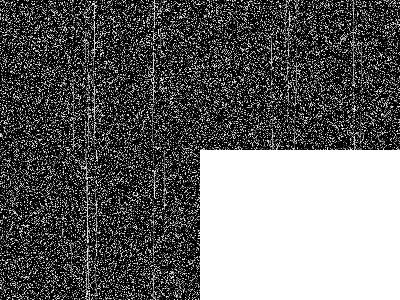
Your image will be black and white like this
2) Go to Edit > Copy then click undo until you come back to the first image again. (click undo twice usually). 3) Press CTR+L or go to Edit > Paste > As New Layer. Then set the layer opacite to around 30% (Layers > Properties ...). Voila! © Char. Please do not copy this tutorial or any others. |